What Resumea’s CV templates do
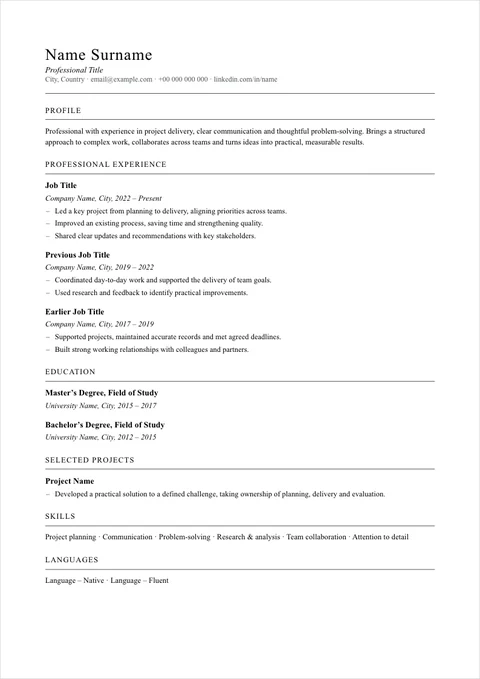
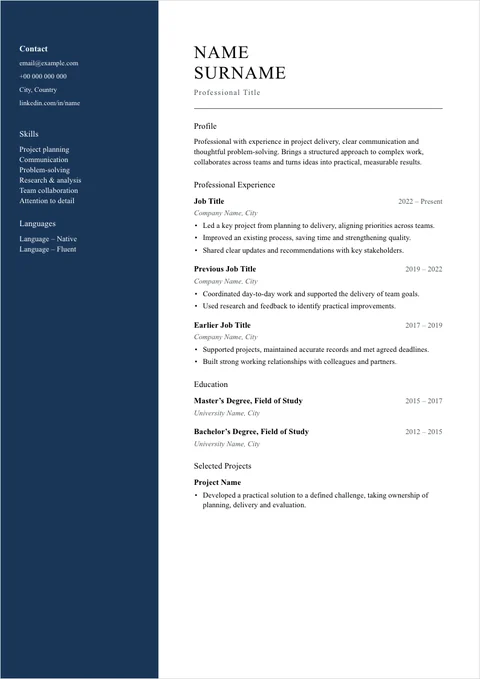
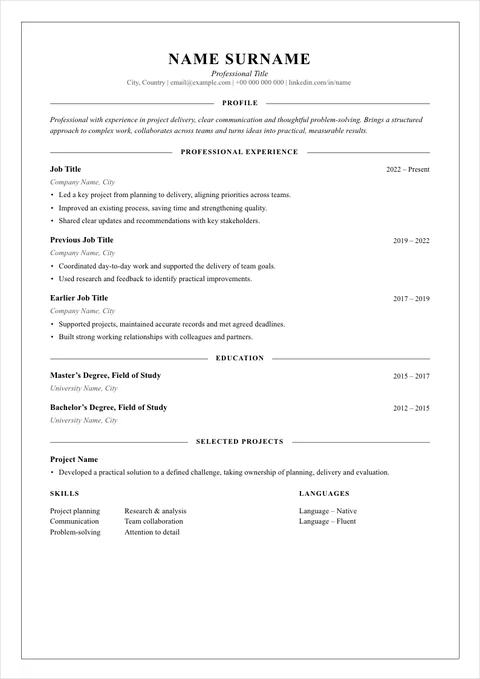
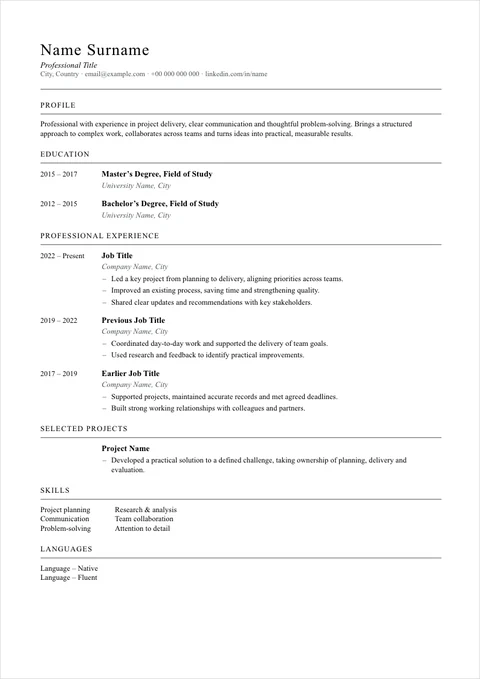
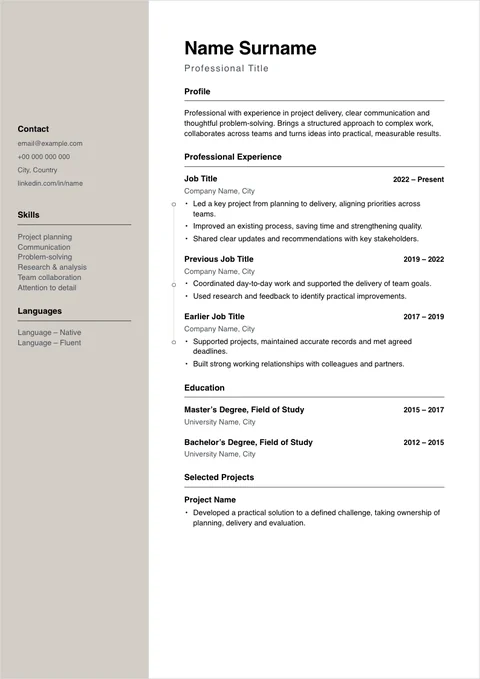
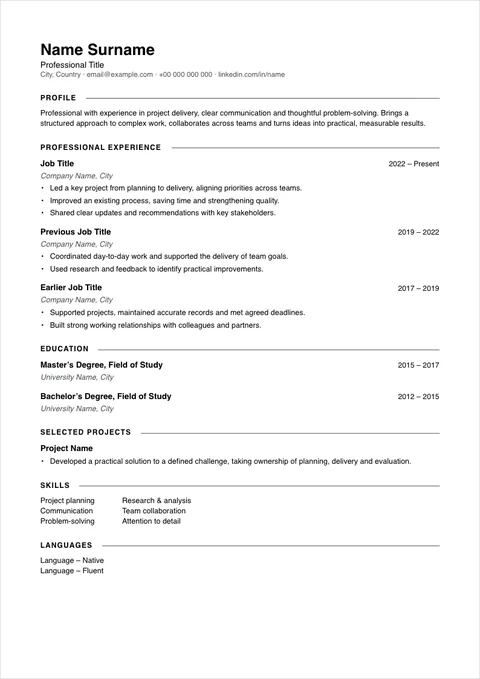
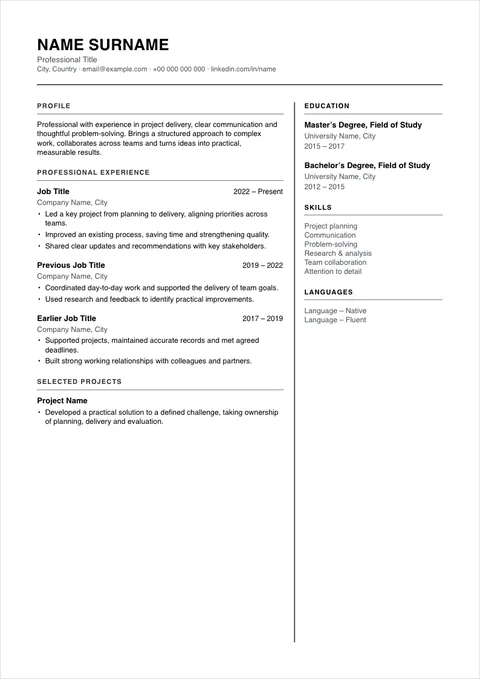
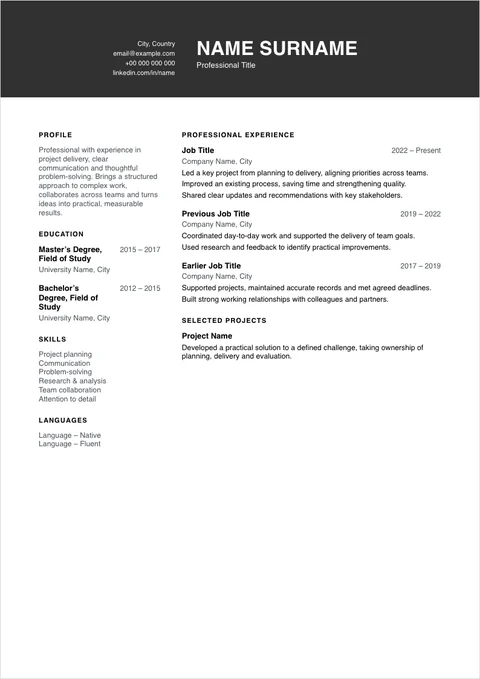
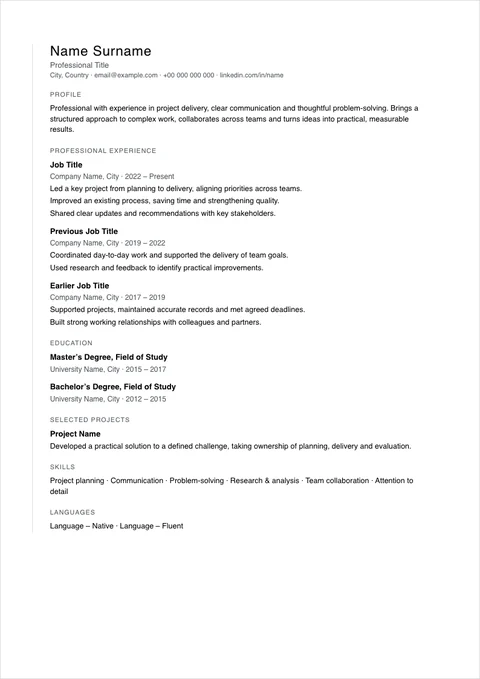
A CV is judged on how it reads before anyone reads a word of it. The template decides that: the type, the rules between sections, whether there is a side column, where the dates sit. A law firm, a start-up and a design studio each expect something different.
In Resumea, what your CV says and how it looks are kept apart. Your experience is stored once, and the template only decides how it is set. Change the template and the same CV is set again in the new design, with your words exactly as they were.
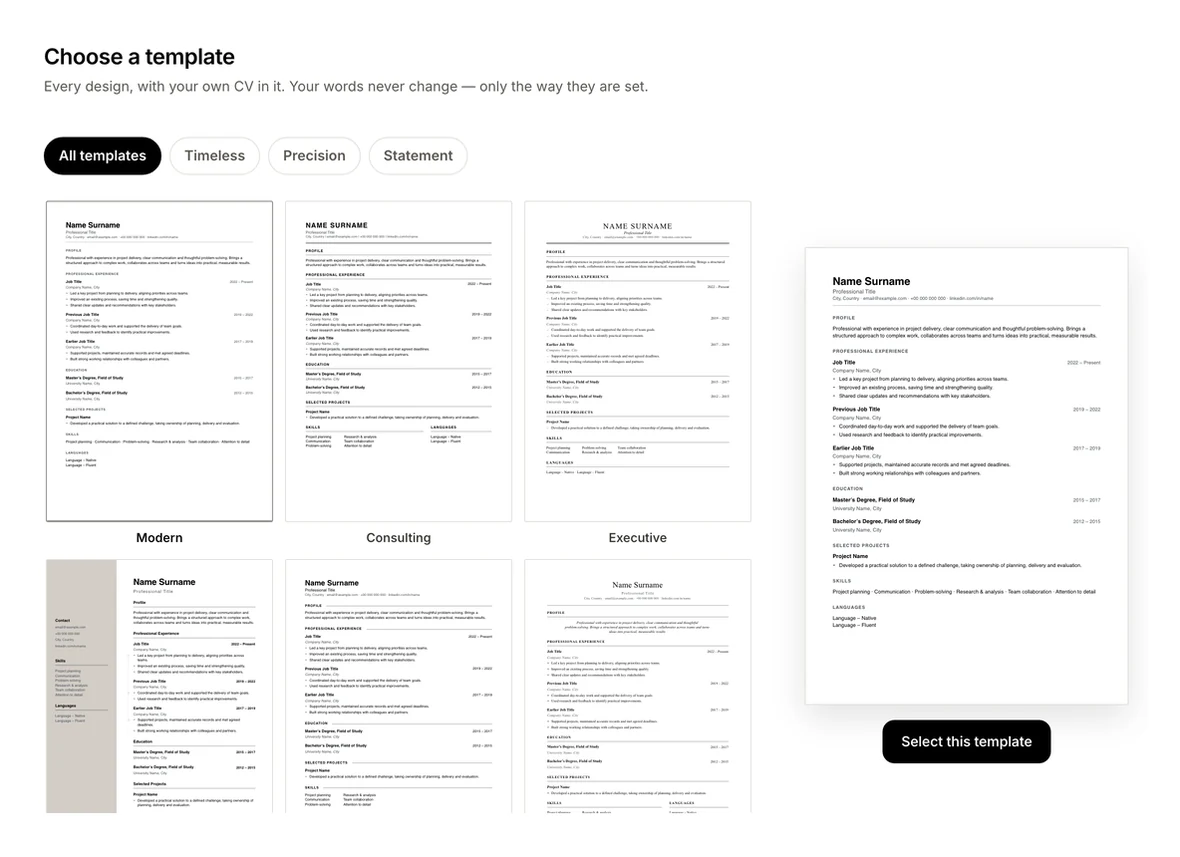
Every template is drawn by the same layout engine that writes your PDF, so the download matches the preview exactly — as real, selectable text rather than an image.
Who it is for
- Anyone who wants a polished CV without designing one from scratch
- Candidates applying to different kinds of employers with the same experience
- People moving an existing CV (PDF or DOCX) into a cleaner design
How it works
- Start your CV. Upload the CV you already have as a PDF or DOCX, or start with a blank page. Your employers, titles and dates are kept exactly as they are.
- Choose a template. Pick a collection, then a design. Every template is previewed with your own CV in it.
- Write and switch freely. Fill in each step in the CV Studio and change the template at any point — only the layout changes.
- Download your PDF. It matches the preview, with real text that people and applicant tracking systems can read.
All 21 templates
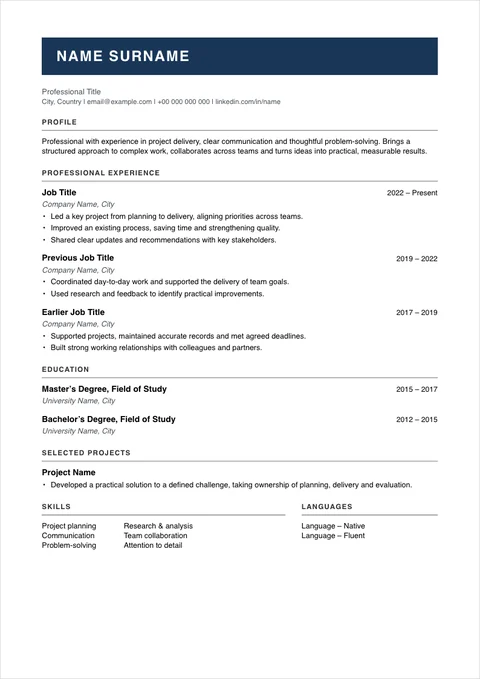
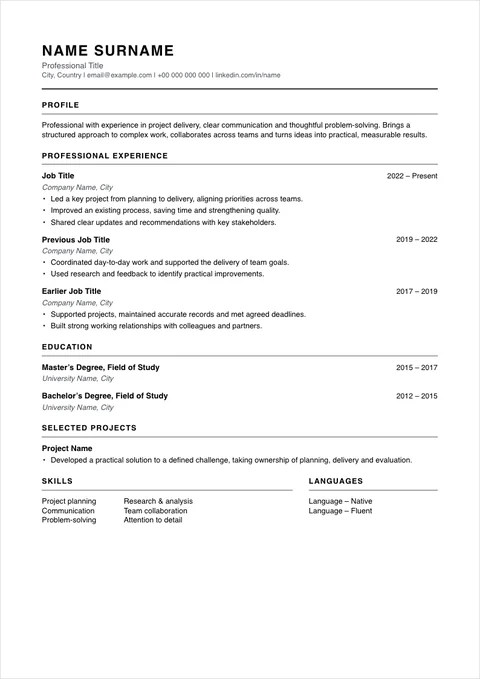
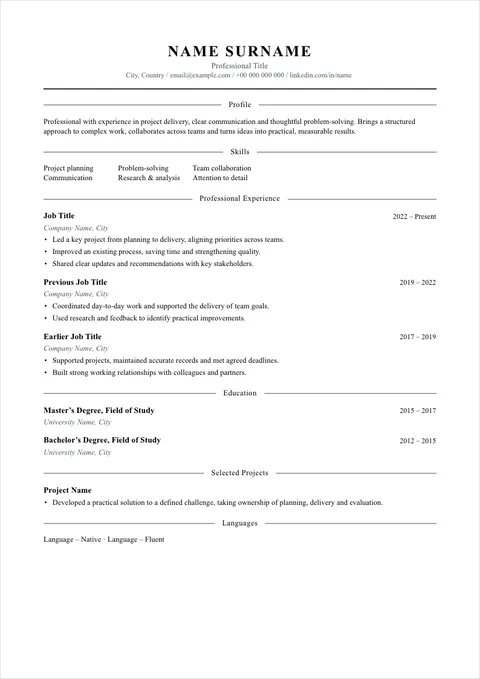
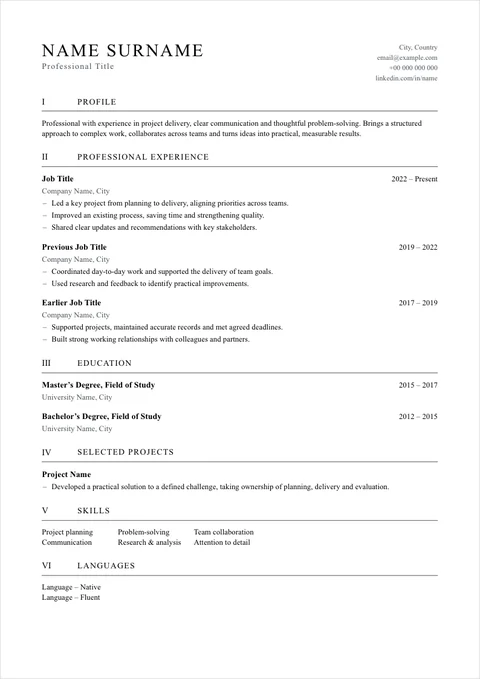
Each collection sets a register — how the CV should sound — and each template in it is a different way of setting the page.
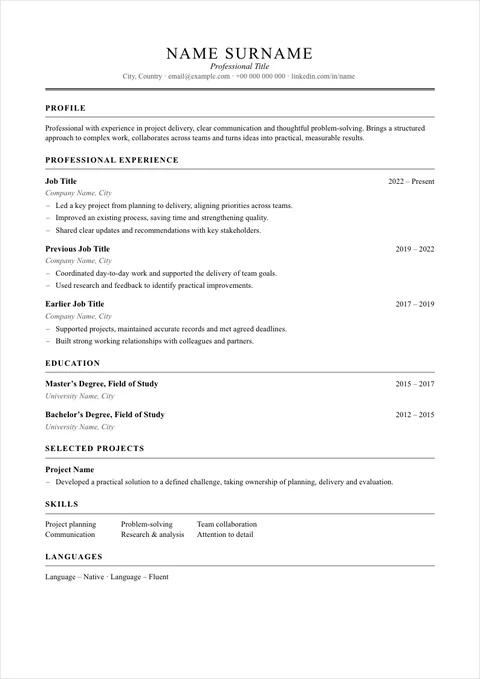
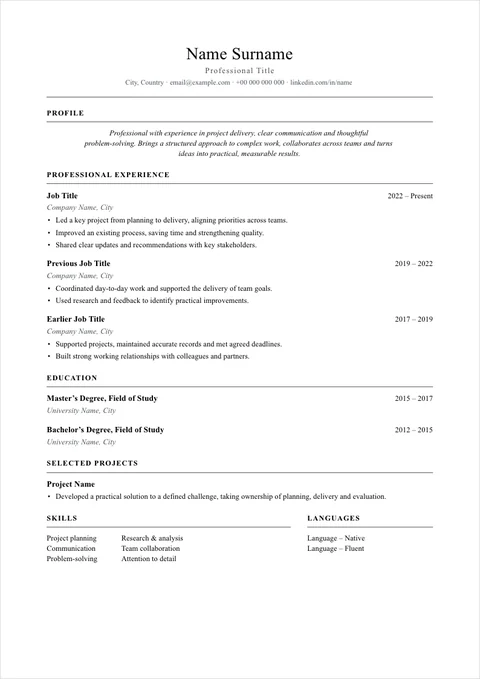
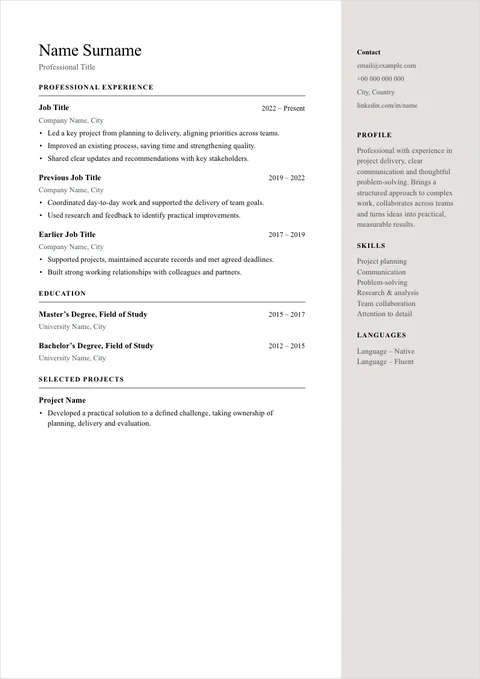
Timeless
Elegant, classic templates for a polished and lasting impression — law, finance, academia and senior roles.
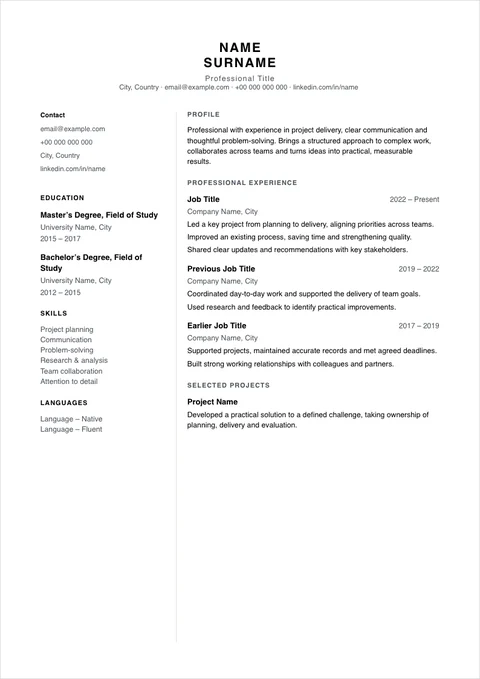
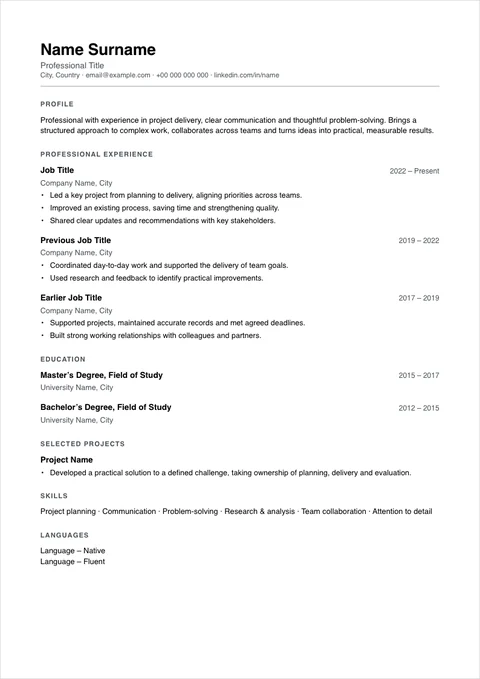
Precision
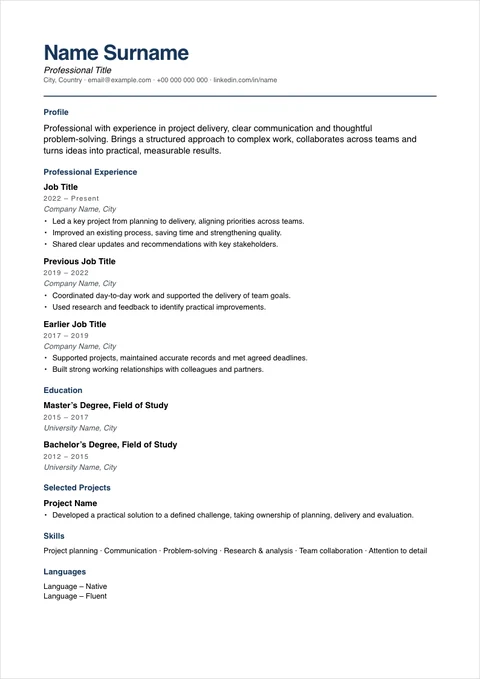
Focused, structured templates for corporate, consulting, operations and technical roles.
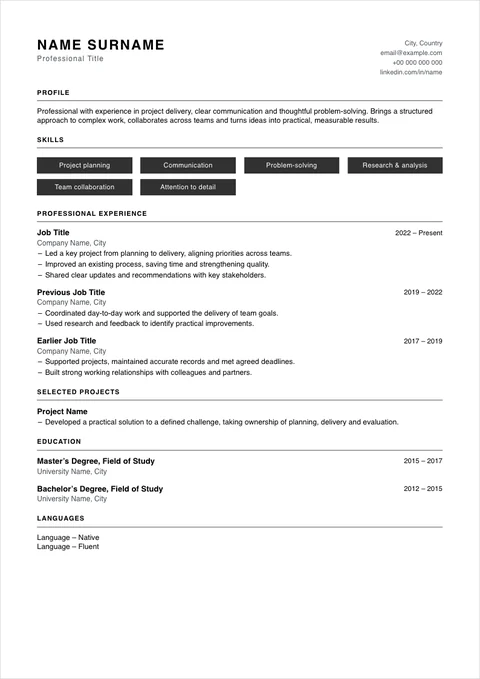
Statement
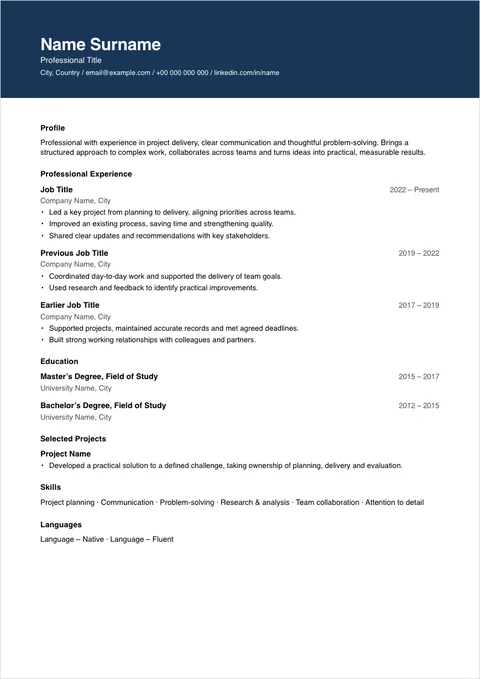
Distinctive, confident templates for marketing, design, product and other roles where the first impression counts.
Why use a Resumea template
- Chosen by tone, not by colour. The three collections help you decide how your CV should come across before you choose a layout.
- Your words stay put. Switching templates never rewrites or loses your content.
- Readable by people and software. Real text, recognisable section headings and a clear hierarchy.
- Fits one page on request. Resumea can fit your CV onto one page without changing your content, and tells you if it cannot.
- A photo only where it belongs. Add one in any template if your market expects it; leave it out where it is usually omitted, such as the UK, Ireland, the US and Canada.
- Set in your CV’s language. Section headings and date words follow the CV’s language, in any of 13.
Common questions
Are Resumea’s CV templates ATS-friendly?
They are built to be read by applicant tracking systems as well as by people: the PDF contains real, selectable text rather than an image, section headings are standard, and the name and title come before the contact details. No tool can promise how every system will parse a file, so Resumea does not give an “ATS score”.
Can I change the template after I have written my CV?
Yes. Your content and the design are stored separately, so you can switch templates at any time in the CV Studio. Your words, dates and order stay exactly as they were.
Which template should I choose?
Start with the collection. Timeless suits traditional fields such as law, finance, academia and senior roles. Precision suits corporate, consulting, operations and technical roles. Statement suits marketing, design, product and other roles where the first impression carries more weight. If you are unsure who will read it, Vision is designed for exactly that case.
Are the templates free to use?
You can try every template and edit every detail of your first CV for free, and save and preview it. Downloading the PDF needs a weekly or monthly subscription.
Can I add a photo to my CV?
Yes, to any template, directly in the CV Studio. Photos are common in much of continental Europe and Latin America, and usually left out in the UK, Ireland, the US and Canada.